May 25, 2026 • Marlowe Finch • 9 min reading time • Specs verified June 4, 2026
Foldable Stand-Mount Screens 100–200 Inches: What Wrinkle-Free Really Means for a $70 Screen
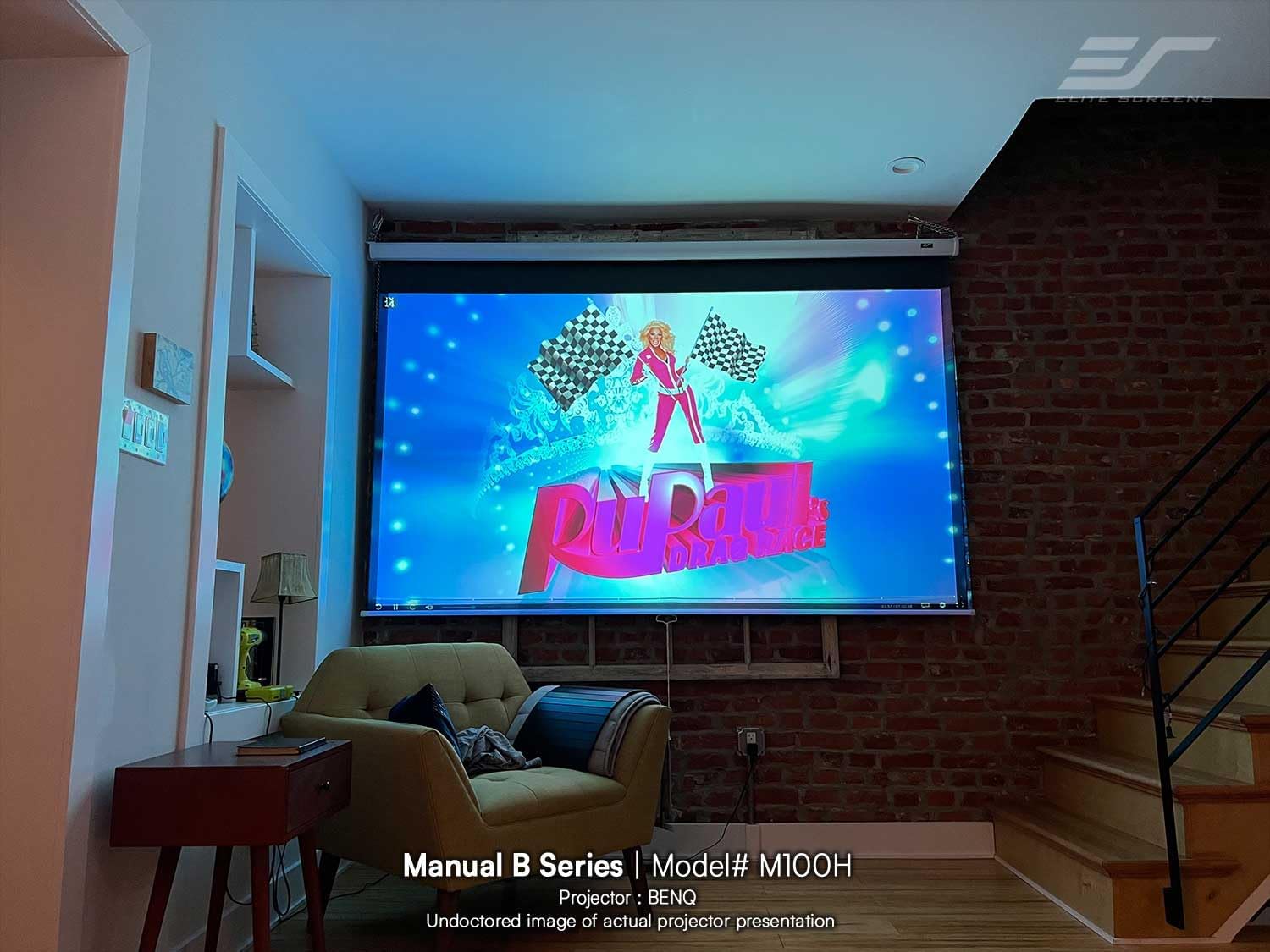
A foldable stand-mount screen is exactly what it sounds like: a projection surface — the white (or silver, or grey) sheet your projector throws its image onto — stretched across a lightweight collapsible frame that sets up in minutes and folds back into a carrying bag when you’re done. Unlike a fixed wall-mounted screen or a tensioned motorized drop-down, a portable stand-mount is designed to move. At the 100–200 inch diagonal range (that’s roughly 7 to 14 feet wide), these screens cover everything from a backyard family movie night to a corporate parking-lot event. And at the $50–$150 price point that dominates this category, they sound like an obvious win. The catch is the word “wrinkle-free” in every listing. That claim deserves serious scrutiny before you commit, especially if image quality actually matters to you. This guide breaks down what that marketing language really means, where the tradeoffs land, and how to decide whether a $70 screen is right for your situation — or whether you’re setting yourself up for a frustrating setup night.
What “Wrinkle-Free” Actually Means on a Budget Screen
Let’s be precise: no folded fabric surface is truly wrinkle-free. Physics doesn’t allow it. When a screen ships folded inside a box or a carry bag, the fabric takes a crease. The question is how quickly those creases relax — and what they look like under a projected beam in the meantime.
Budget stand-mount screens in the $50–$130 range almost universally use a PVC-coated polyester fabric, sometimes described as “matte white” or “HD fabric” in listings. Projector Central’s projection screen buying guide explains that this class of material typically has a gain rating near 1.0 — meaning it reflects roughly the same amount of light in all directions as a reference white surface — but it offers minimal tensioning. The fabric is grommeted at the edges and pulled taut by the frame, but there’s no active tension spring system, no weighted bottom bar with real ballast, and no sealed perimeter frame exerting continuous pull across the entire surface.
The result: fresh out of the box, you’ll see horizontal fold lines running across the image area. On most screens in this tier, reviewers consistently report that light fold marks visible in the fabric will relax substantially after 30–60 minutes of hanging under gravity, and nearly fully after 24–48 hours if the screen is left assembled. For a permanent or semi-permanent backyard installation, that’s a workable story — assemble on day one, accept the wrinkles, come back the next evening for a clean picture. For an event rental or a setup where you’re assembling right before showtime, those same wrinkles can degrade the picture noticeably, especially if you’re projecting text-heavy content (think sports stats, business presentations, or movie titles) at a throw distance where every surface imperfection becomes visible.
AVS Forum’s portable screen megathread — one of the most sustained owner-feedback repositories on this topic — shows a consistent pattern: buyers who expected hotel-ballroom-quality flatness from a $70 screen were routinely disappointed, while buyers who understood the gravity-relaxation timeline and used the screen regularly reported being satisfied after the break-in period. The screen isn’t broken. It just needs time to become what the listing implies it already is.
The 100-Inch vs. 150-Inch vs. 200-Inch Tension Problem
Screen size matters here more than most listings acknowledge. At 100 inches diagonal (approximately 87 × 49 inches in 16:9 format), a single piece of fabric has a relatively short span. The frame arms don’t have to work as hard to pull out the field, and gravity does a reasonable job of helping the lower half relax downward.
At 150 inches (roughly 131 × 74 inches), you’re asking the same basic frame architecture to control about 2.3× the surface area. The fabric’s center — the most projector-critical zone — is now hanging further from any tensioning point. Fold lines in the middle of the screen are the last to relax, because no edge pull reaches them efficiently. RTINGS’ projector screen coverage notes that mid-span sagging becomes a meaningful image quality factor above about 120 inches on frame-style portable screens without spring-loaded bottom bars, because the weight of the fabric itself creates a gentle bow forward at the center.
At 200 inches (174 × 98 inches), you’re essentially in inflatable or fixed-frame screen territory in terms of what you need from a tensioning system. Budget foldable stand-mount screens at this size exist — they’re sold primarily to event operators and church groups who need size on a tight budget — but the wrinkle problem compounds substantially. Sound & Vision’s guide to projector screen selection draws a clear line: for surfaces above about 150 inches used in ambient-light conditions or with sharp 1080p/4K content, surface flatness is no longer a “nice to have” — it directly affects perceived sharpness because a curved or wrinkled matte surface diffracts the projected beam in ways that soften fine detail.
By the numbers:
- 100” diagonal, 16:9 → ~87 × 49 in. surface area ≈ 29.7 sq ft
- 150” diagonal, 16:9 → ~131 × 74 in. surface area ≈ 67.2 sq ft
- 200” diagonal, 16:9 → ~174 × 98 in. surface area ≈ 118.0 sq ft
Surface area roughly quadruples as you go from 100” to 200”. The frame’s tensioning job scales proportionally. Budget hardware does not.
Where Budget Screens Actually Work — and Where They Don’t
Here’s the honest decision frame:
Budget foldable screens work well when:
- You’re projecting at 720p or 1080p with a projector in the 1,500–3,000 ANSI lumen range and viewing distance is 15+ feet. At that distance, minor surface irregularities are below the visual acuity threshold for most viewers. Projector Central’s testing methodology documentation consistently notes that perceived sharpness is a function of both source resolution and viewing angle/distance — a wrinkle that looks alarming up close may be invisible from your lawn chairs.
- Setup-to-screen time isn’t critical. If you can assemble the night before or day-of with several hours to spare, the gravity-relaxation effect largely solves the fold-crease problem.
- You’re at 100–120 inches. This is the sweet spot for the format. Screen area is manageable, frame tension is adequate, and the economics make sense: a $70–$100 screen at 100 inches does the same optical job as a $300 fixed-frame screen if your projector and ambient light conditions are calibrated correctly.
- Content is film/video rather than presentations. Wrinkles become nearly invisible when the image is in motion and the content is dark-scene heavy (most films). They’re most visible on white backgrounds, title cards, and static slides.
Budget foldable screens struggle when:
- You’re projecting 4K content and sitting closer than 10–12 feet. At those distances and resolutions, surface flatness becomes a genuine image quality variable. The physical substrate of the screen — not just the projector spec — limits what you see.
- You’re an event operator setting up same-day with no time for material relaxation. The wrinkles will be there. Clients notice.
- You need 150 inches or larger with consistent image quality across the field. Here, the step up to a fixed-frame or spring-tensioned screen pays for itself in reduced frustration.
- Gain matters. Budget matte-white fabrics at 1.0 gain need a reasonably powerful projector in any ambient light. If you’re fighting dusk light or want to start screening earlier, a higher-gain grey screen (0.8–1.2 gain ALR material) will outperform, and those materials typically require proper tensioning to look right — which means a better frame.
What to Actually Look for If You’re Buying in This Category
If the use case fits the budget tier, here’s what separates the better options from the frustrating ones — based on Projector Central’s screen buying guide, RTINGS’ portable screen assessments, and aggregated AVS Forum owner feedback:
Bottom bar weight and design. A heavier, thicker bottom bar keeps the lower portion of the fabric pulled down under gravity more consistently. Some screens list their bottom bar as a hollow tube — this is a downgrade. Look for solid-fill rods or bars with enough mass to exert meaningful downward pull.
Frame cross-brace design at the corners. The corners are where fabric tension transfers. Budget screens with plastic corner connectors that flex or shift over time will gradually lose their initial surface tension. Metal corner brackets with multiple contact points hold better across seasons and repeated setups.
Fabric coating description. “Matte white” is correct and predictable. Avoid listings that describe the surface as “silver” or “HD silver” without a verified gain spec — these can create hot-spotting (a brighter center patch) that’s more visible on wrinkled surfaces than a true matte white.
Carrying bag quality. This is a proxy indicator. Screens that ship with a padded or at least structured carry case are being sold to buyers who will fold and unfold them repeatedly. A screen sold in a bare plastic sleeve is optimized for one-time or infrequent use; the fabric is more likely to take persistent creases from the shipping fold.
Return window and warranty terms. Given that the wrinkle issue is most visible in the first 48 hours and many buyers return the product before the gravity-relaxation has had time to work, a 30-day return window gives you enough margin to actually evaluate whether your specific unit has a fabric defect versus normal fold behavior.
The Decision Rule
If you’re still deciding: here’s the clean “if X, then Y” frame.
If your screen size target is 100–120 inches, your projector is 2,000+ lumens, your viewing distance is 12+ feet, and you have at least a few hours before showtime: a $70–$100 budget foldable stand-mount screen is a rational choice. The wrinkle claim is overstated in the marketing, but the actual use-case performance is solid once the material relaxes. You’re getting 80% of the image quality for 25% of the cost of a fixed-frame screen.
If you’re at 130–150 inches, running 1080p/4K, sitting inside 12 feet, or operating same-day events where setup time is compressed: budget an additional $100–$200 for a screen with a proper spring-tensioned frame or a fixed ALR panel. The Projector Central screen guide specifically calls out this threshold as the point where tensioning system investment becomes cost-justified. Elite Screens’ fixed-frame portable series and Silver Ticket’s fixed-frame options start around $150–$200 at 120–135 inches and represent the next meaningful step in surface quality.
If your target is 160 inches or larger: treat the screen as a serious line item in the budget, not an afterthought. At that size, the foldable stand-mount format itself is under mechanical stress — you’re in inflatable or fixed-frame territory, and the economics of the rest of your setup (projector, audio, power) almost certainly justify the screen investment to match.
The bottom line: “wrinkle-free” on a $70 screen means wrinkle-reduced-after-time, under ideal conditions, at moderate viewing distances. That’s not a scam — it’s just a spec claim that needs a translation layer. Now you have it.